
RYAN ZERNACH

Full-Stack AI Systems Engineer

Ryan_Zernach_2025_Senior_AI_Systems_Engineer_Remote_United_States

🌐 The Journey of Loading a Webpage

Typing example.com and pressing Enter feels like one action. Underneath, it begins a relay race through the browser, caches, DNS, networks, servers, and the rendering engine. This is a guided tour of every handoff that turns an address into a page.
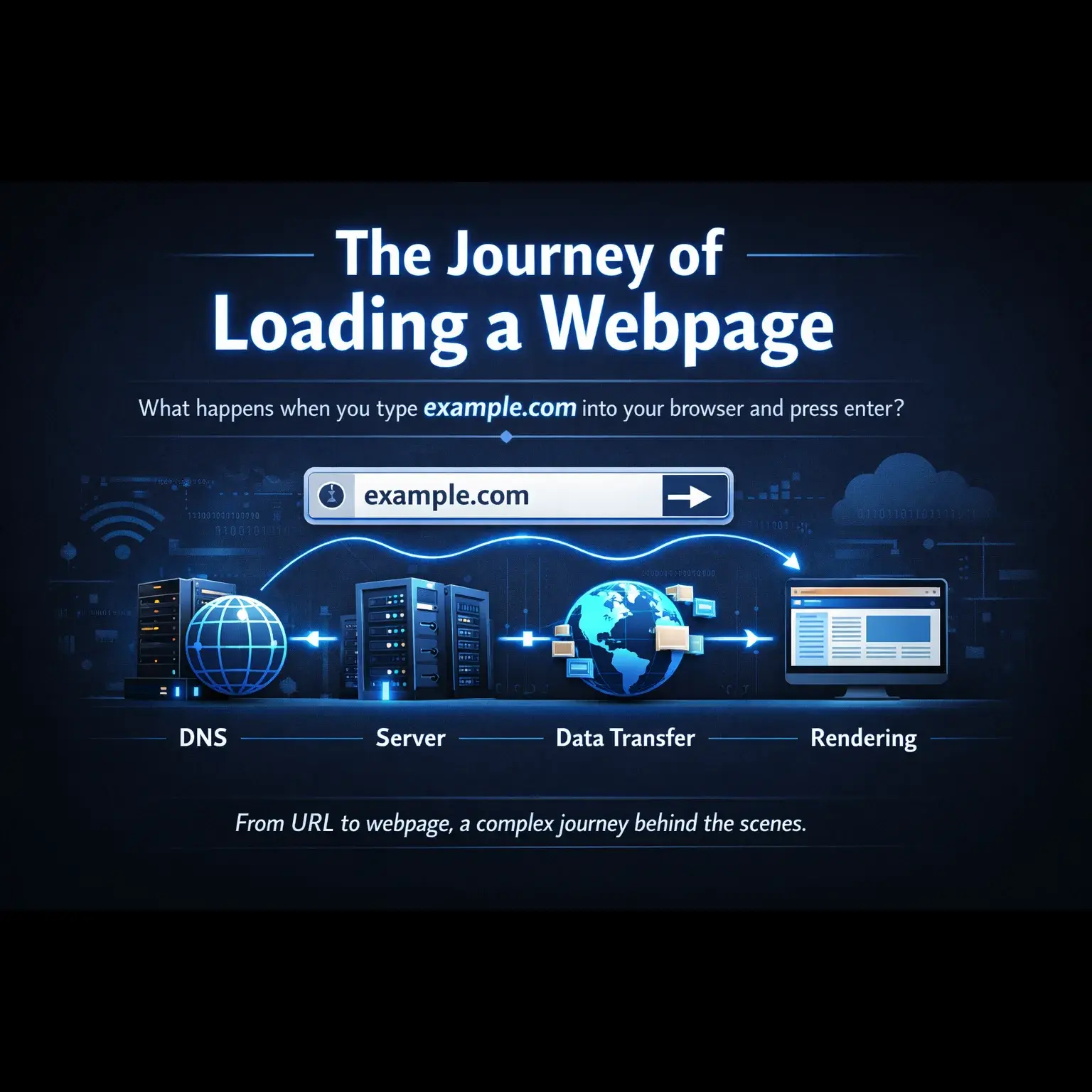
🌐 The Journey of Loading a Webpage

Summary

A page load is not one event. It is a chain of decisions, handshakes, and transformations that must land in the right order. Knowing the chain helps developers find performance bottlenecks, debug failures with less guesswork, and make fast experiences feel effortless for the right reasons.

Step 1 - URL Parsing

Breaking down the URL into its components

Step 2 - Browser Cache Check

Checking local storage before making network requests

Step 3 - DNS Resolution

Converting domain names to IP addresses

Step 4 - TCP Connection

Establishing a reliable connection with the server

Step 5 - TLS Handshake

Establishing a secure encrypted connection (HTTPS only)

Step 6 - HTTP Request

Sending the request to the server

Step 7 - Server Processing

How the server handles your request

Step 8 - HTTP Response

The server sends back the requested resource

Step 9 - Browser Rendering

Converting HTML, CSS, and JavaScript into a visual webpage

Additional Considerations

The main journey gets pixels on screen. These supporting systems make the page interactive, resourceful, and safer to use.

JavaScript Execution

Dynamic behavior and interactivity

Resource Loading

Fetching additional assets

Security Considerations

Protecting users and data